Client: Ronis (part of the SFPI Group)
Platform: Sitecore
Partners:
Unform: discovery & design
Blastic: analysis, technical oversight, budget control and quality assurance
The challenge
Ronis, part of the SFPI Group, wanted to develop a digital solution to manage complex interlocking and key configurations in a correct, visual and scalable way. These configurations are a critical part of their business, but until then they were difficult to standardise and validate within a single digital flow.
Within the existing Sitecore platform, Ronis needed a tool that would:
make complex product logic understandable,
be suitable for both internal and external users,
structurally support collaborations and approval,
and be deployable in multiple languages.
The ambition went beyond a traditional product configuration. Ronis was looking for a unique, fully bespoke tool that digitally reflects their specific way of working.
Get in touch
Ready to take your digital experience to the next level? Feel free to contact us to learn more about our services and how we can help you leverage the full potential of your digital marketing.
Approach and collaboration
The discovery and design phase was carries out by Unform. Blastic took on an advisory and oversight role, continuously validating the design against technical feasibility, platform choices and long-term impact within Sitecore.
Based on the design, Blastic performed an in-depth analysis, which revealed that the development complexity was higher than initially anticipated. To maintain control over budget and scope, the project was set up iteratively. Each sprint deliberately focussed on:
must-haves versus nice-to-haves,
maximum business value per development phase,
and technical decisions that would remain future proof.
Throughout the project, four UAT periods were scheduled. During these phases, Ronis was able to extensively test the tool. provide feedback and validate the solutions with end users. This iterative feedback loop ensured a strong balance between technical correctness and usability.
The solution
The result is a fully custom-built interlocking configuration tool, developed entirely in JavaScript and seamlessly integrated into Sitecore. The tool supports multiple user roles and can be used by both admins/reviewers and end users.
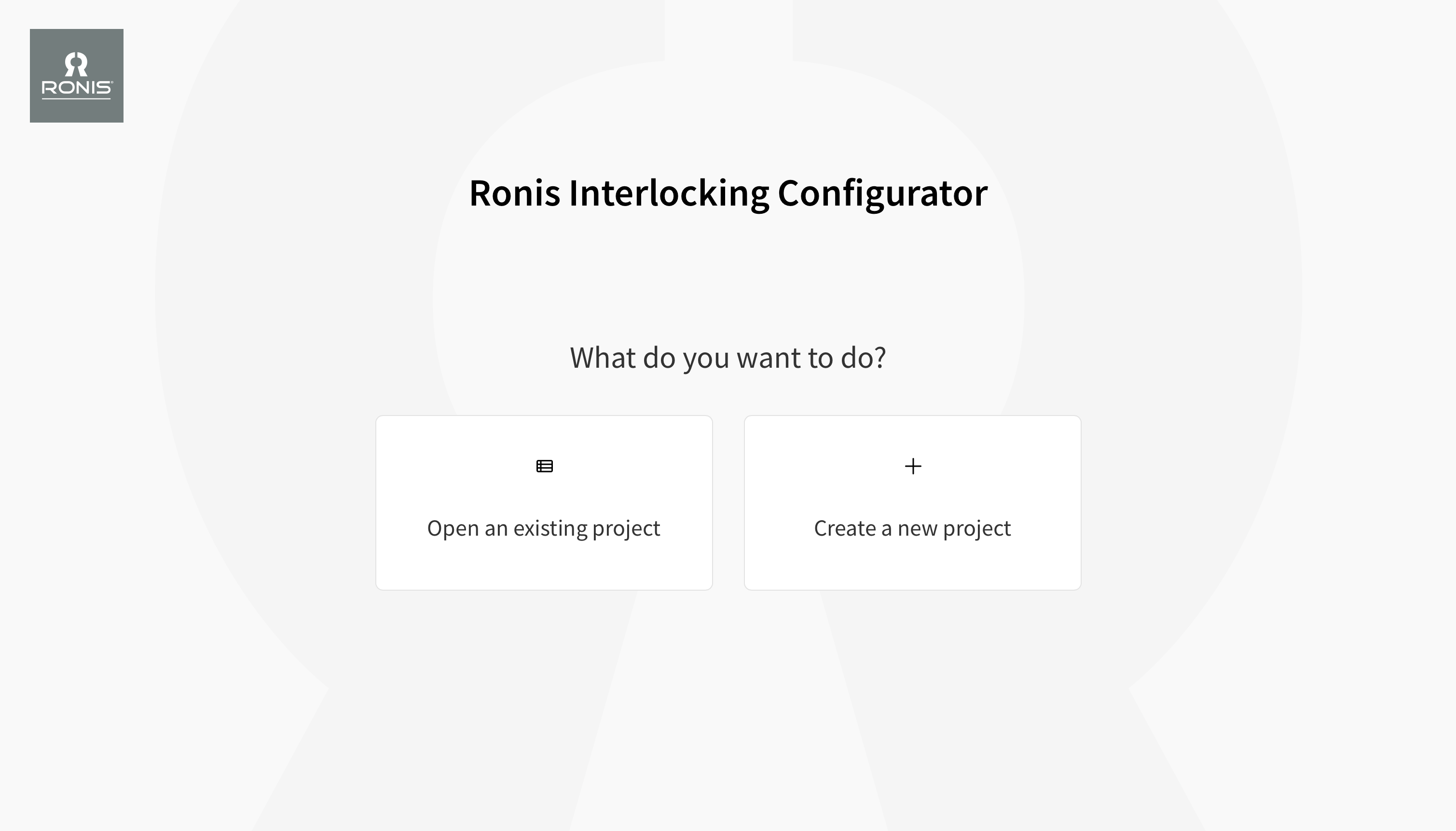
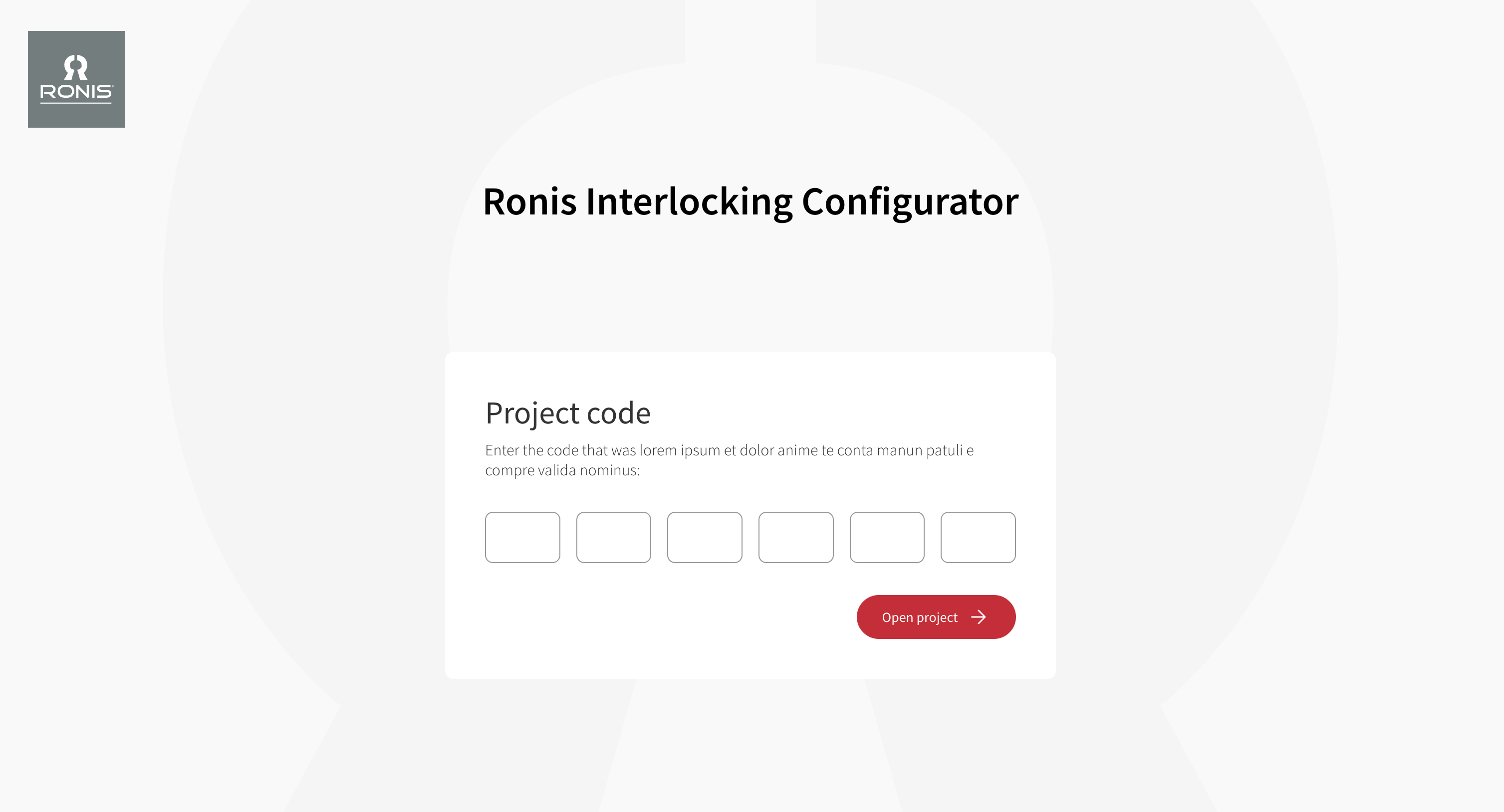
Users start by entering their email address and can then choose to:
open an existing project, or
create a new project.
Each project is structured around three logical phases:
Build
Configure
Summary
This structure brings clarity and control to a technically complex configuration process.
Build, visual configuration
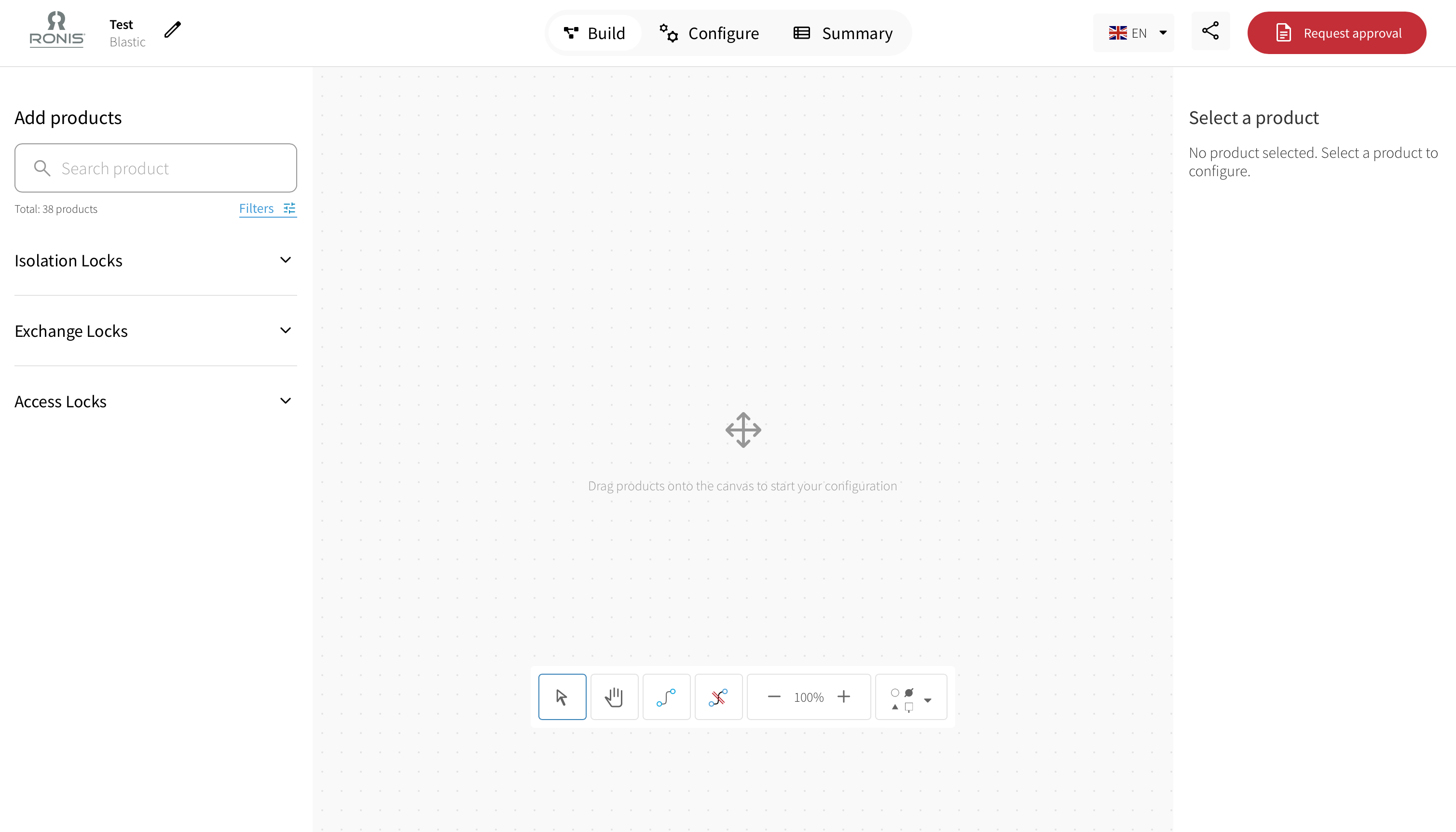
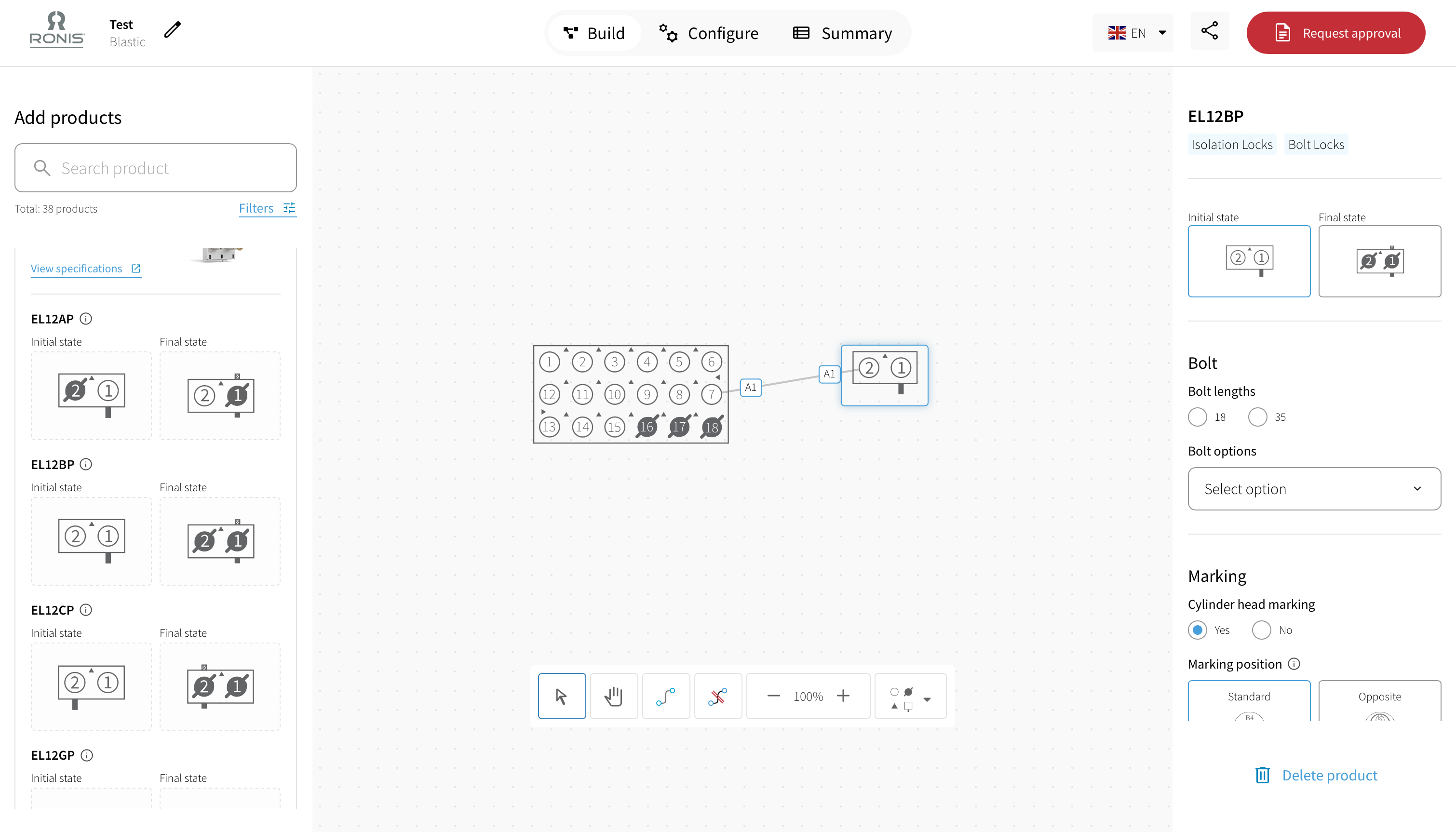
In the build phase, the admin user visually assembles the interlocking configuration within an interactive workspace.
The tool included more than 38 products, which can be selected in several ways:
via a search bar,
using filters,
or through categories such as isolation locks, exchange locks and access locks.
For each product, additional information is available, such as:
an overview of the associated keys,
and a direct link to "view specifications" on the DOM Security website.
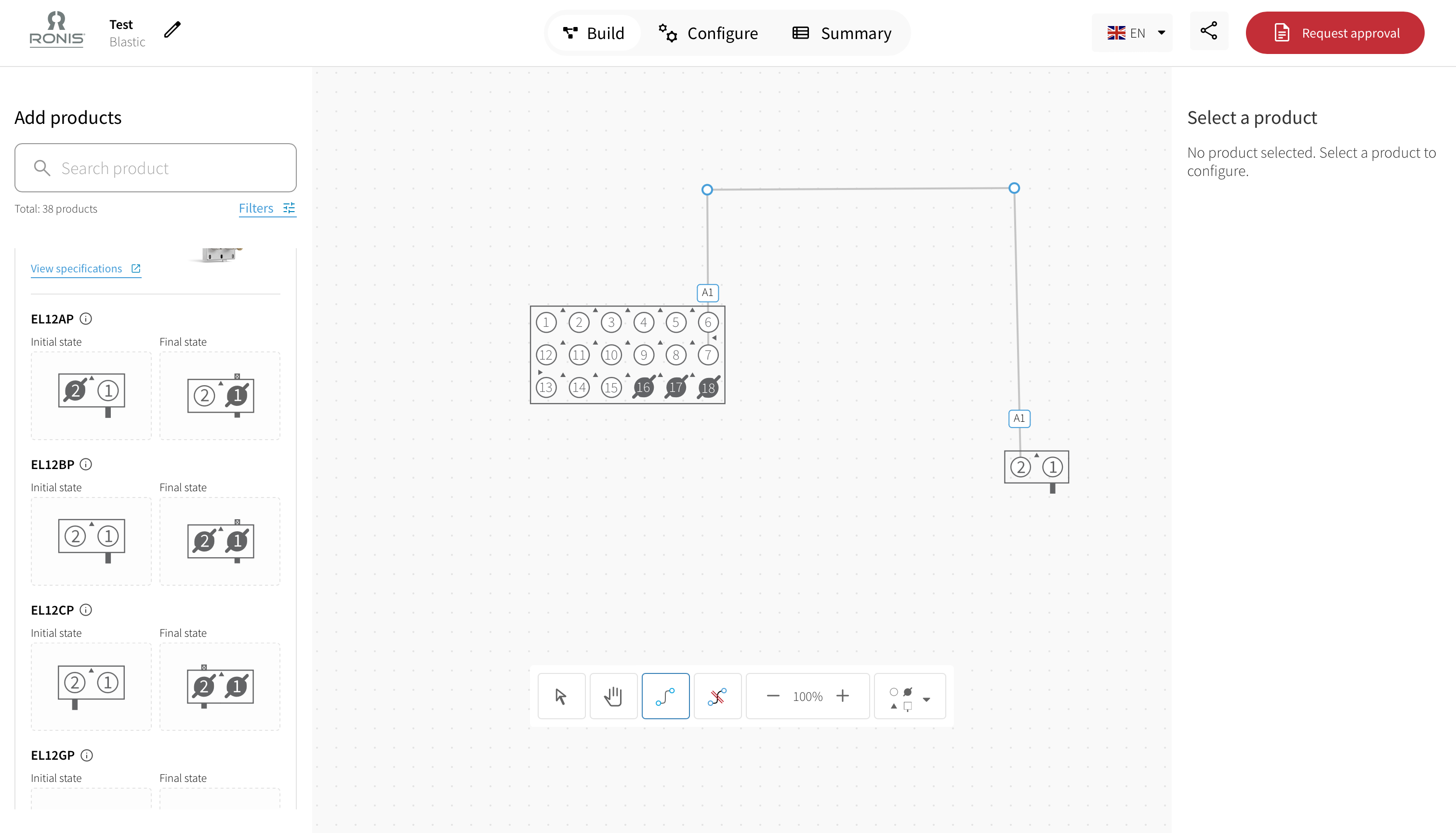
Products are added using drag-and-drop and can be visually connected to each other. Users have access to to various navigation and editing tools, including:
an arrow tool to select and move individual products,
a hand tool to move the entire canvas,
a line tool to create connections between products.
These connections are fully editable: corners can be added to create complex diagrams, and connections can easily be adjusted or removed. Zoom in and out functionality ensures both detailed work and overall visibility.
The entire tool is available in English, French and German, making it suitable for international use.
Configure, technical deep dive
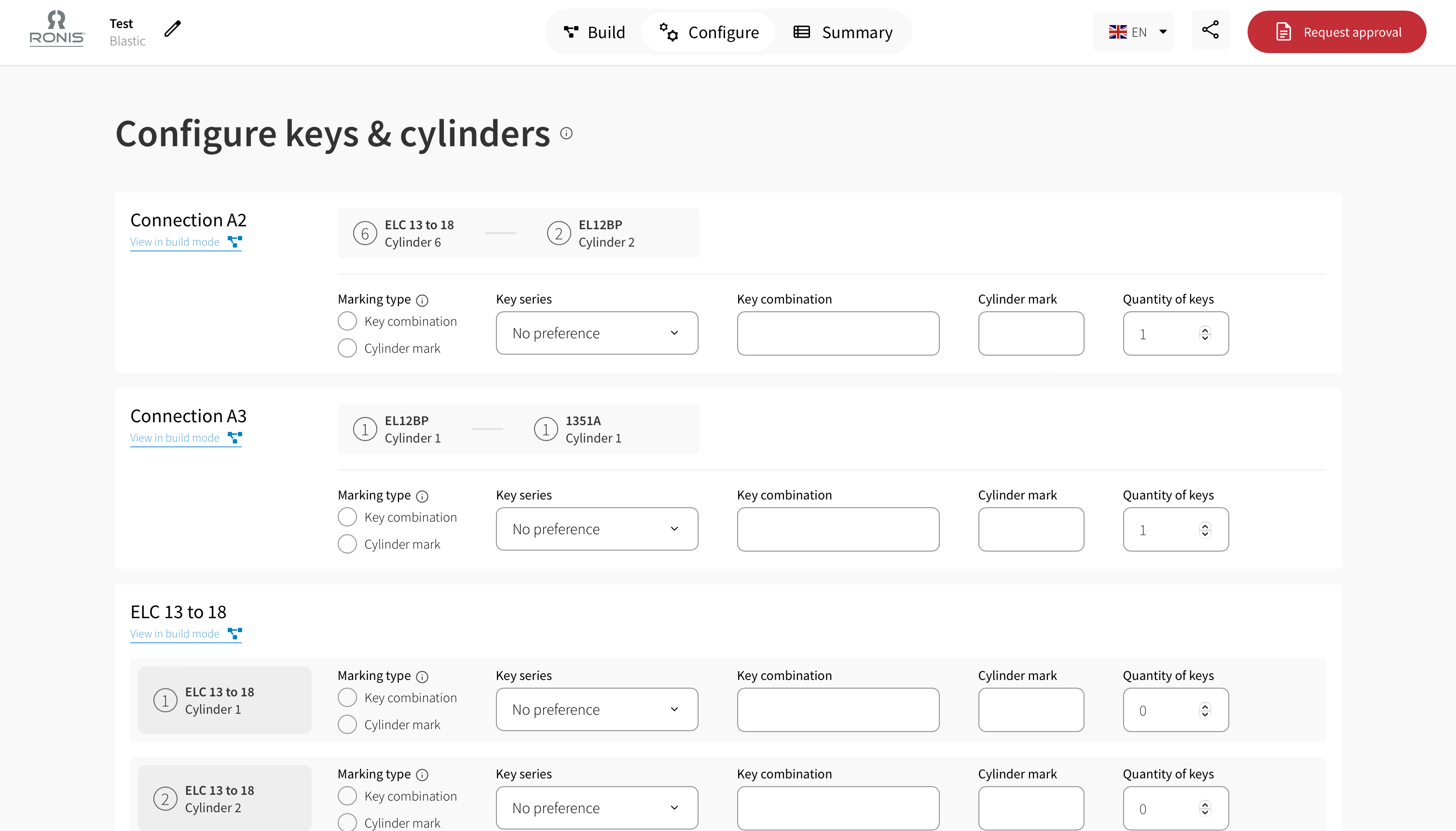
After the visual design comes the configure phase. Here, users are presented with an overview of all configured keys and cylinders.
A key advantage of this phase is the direct link to the visual diagram. From any connections, users can easily return to the build view, ensuring the relationship between the design and the technical configuration always remains clear.
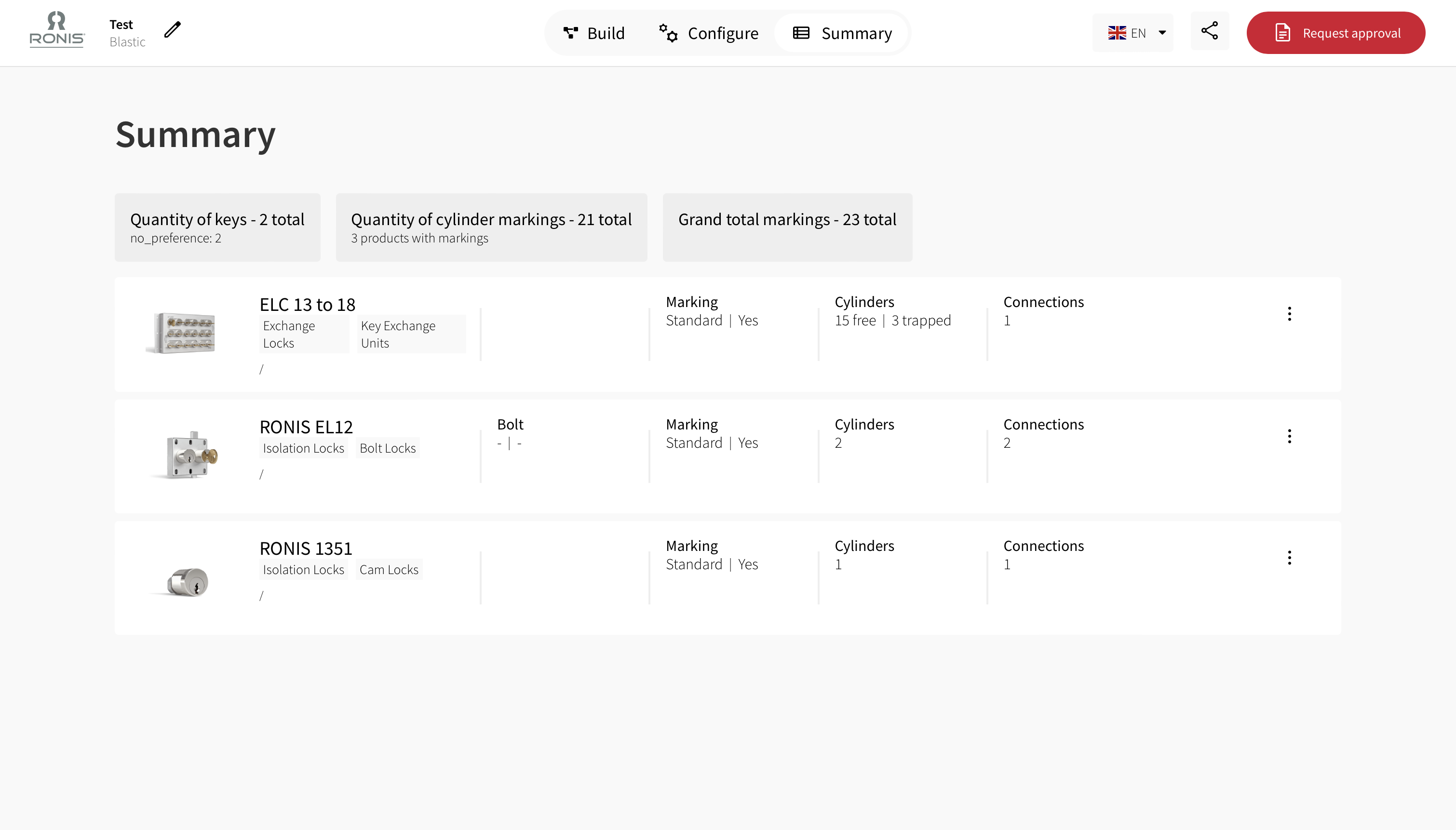
Summary, complete overview
The configuration tool supports not only creation, but also collaboration and governance. In addition, an email automation has been implemented, allowing projects to be easily shared and automatically including a PDF file that provides a complete overview of all details as entered in the tool.
The result
With the Ronis Interlocking Configuration Tool, Blastic, together with Unfom, delivered a unique digital solution that is truly one of a kind within the industry. The tool translates complex product logic into an intuitive, visual experience and supports international teams while safeguarding collaborations, validation, and approval throughout the entire process.
Fully integrated within the existing Sitecore landscape, this solution goes far beyond a standard configurator. It confirms Blastic's role as a strategic and technical digital partner for organisations that deliberately choose bespoke solutions with long-term impact.
Tell us about your project
And we'll come up with a tailor-made solution
Get in touch with one of our consultants to find the perfect match that fits your needs and enables you to grow.